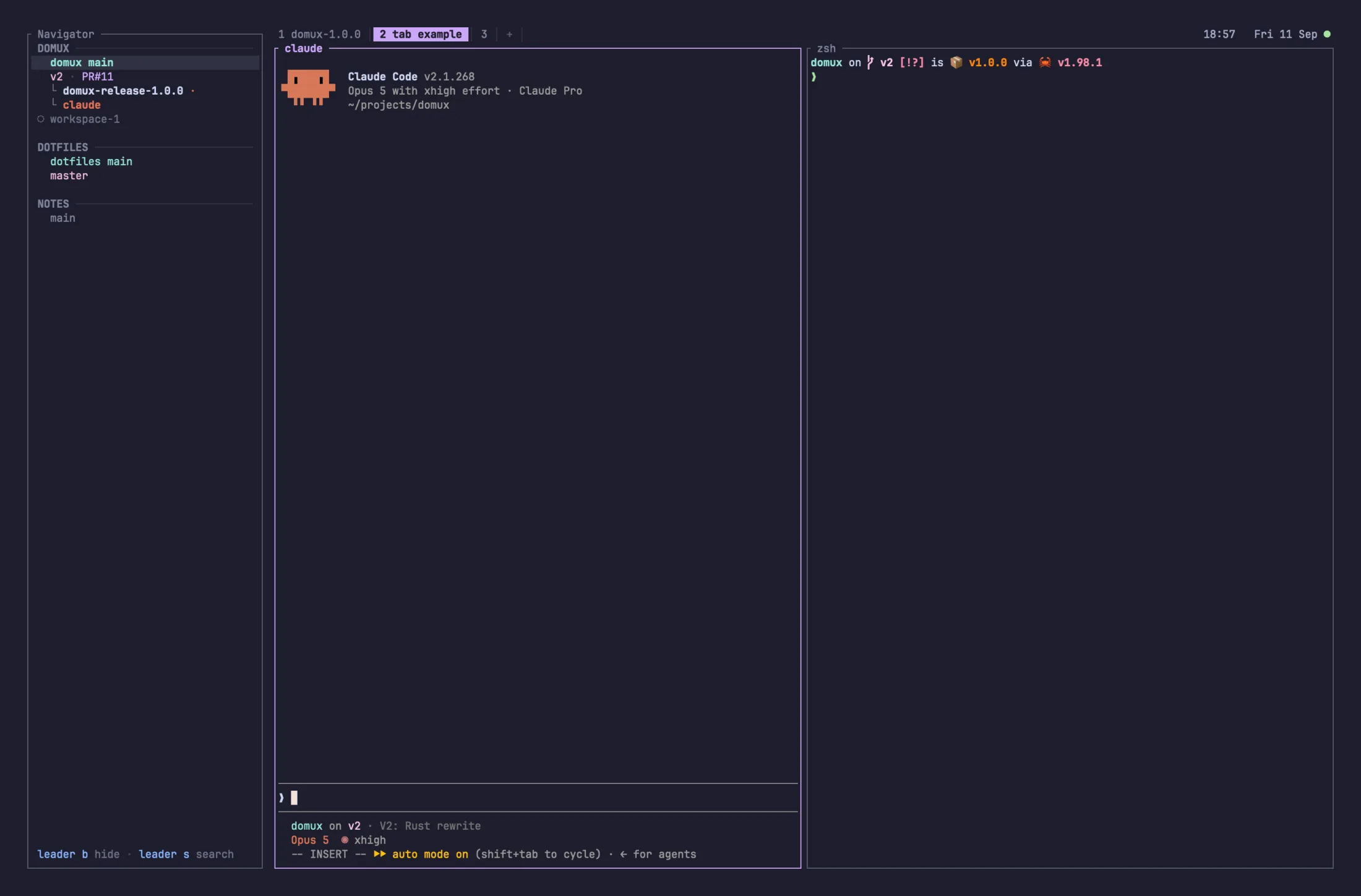
Give each task its own workspace
Run a bug fix in one workspace and a feature in another. Each workspace has its own Git worktree and branch, so agents can edit separate checkouts. Keep each agent, branch, and pull request together in the sidebar.
domux is a terminal multiplexer for AI coding agents. Run Claude Code, Codex, and OpenCode alongside your editor and shell. Built in Rust for speed, with familiar tmux controls.
$ curl -fsSL https://domux.dev/install.sh | sh
macOS and Linux · Open source · Apache-2.0
Read the release notes
What you get
Run a bug fix in one workspace and a feature in another. Each workspace has its own Git worktree and branch, so agents can edit separate checkouts. Keep each agent, branch, and pull request together in the sidebar.
Find the agent waiting for your input and switch straight to its pane. See which agents are working, and read Claude Code recaps before you switch.
Disconnect and return to the same running agents, locally or over SSH. For long tasks, set up stay awake to keep your machine working with the lid closed.
Keep your editor, shell, and agents in tabs and split panes. If you use tmux, the keyboard controls feel familiar. Use the mouse to scroll, select text, and open links.
Install domux, open a project, and start your usual agents.
Install domux